




Salesforce CAPTCHA
Why Choose Friendly Captcha for Salesforce?
Don't make your users click on cars. Switch to a modern, invisible Salesforce CAPTCHA.
User-Friendly
Friendly Captcha does not require any tasks from your users. It runs automatically in the background.
Fully Accessible
Don’t lock out your real users. Friendly Captcha is fully accessible and officially certified as WCAG 2.2 AA compliant gold standard.
Privacy-First
Friendly Captcha protects your users’ privacy and is compliant with GDPR, CCPA, LGPD, and more.
Easy to Integrate
Ready to integrate Friendly Captcha into your Salesforce org. The plugin installs directly into your Salesforce environment.
Protect Your Salesforce CRM Against Threats
Bot protection for Salesforce. Trusted by developers worldwide.
Salesforce anchors your CR and revenue operations workflows. Lead generation forms, community portals, and service request pages attract bot traffic that pollutes your CRM data with fake contacts, spam cases, and invalid opportunities.
Friendly Captcha validates human interaction before records enter your Salesforce database. Install the Friendly Captcha plugin from the GitHub repository, configure your sitekey and API key in the plugin settings, and the widget renders automatically on your Salesforce forms. Cryptographic challenges execute on the visitor’s browser with zero user interaction, while server-side verification confirms legitimacy through the Friendly Captcha API.
How the Salesforce CAPTCHA Integration Works
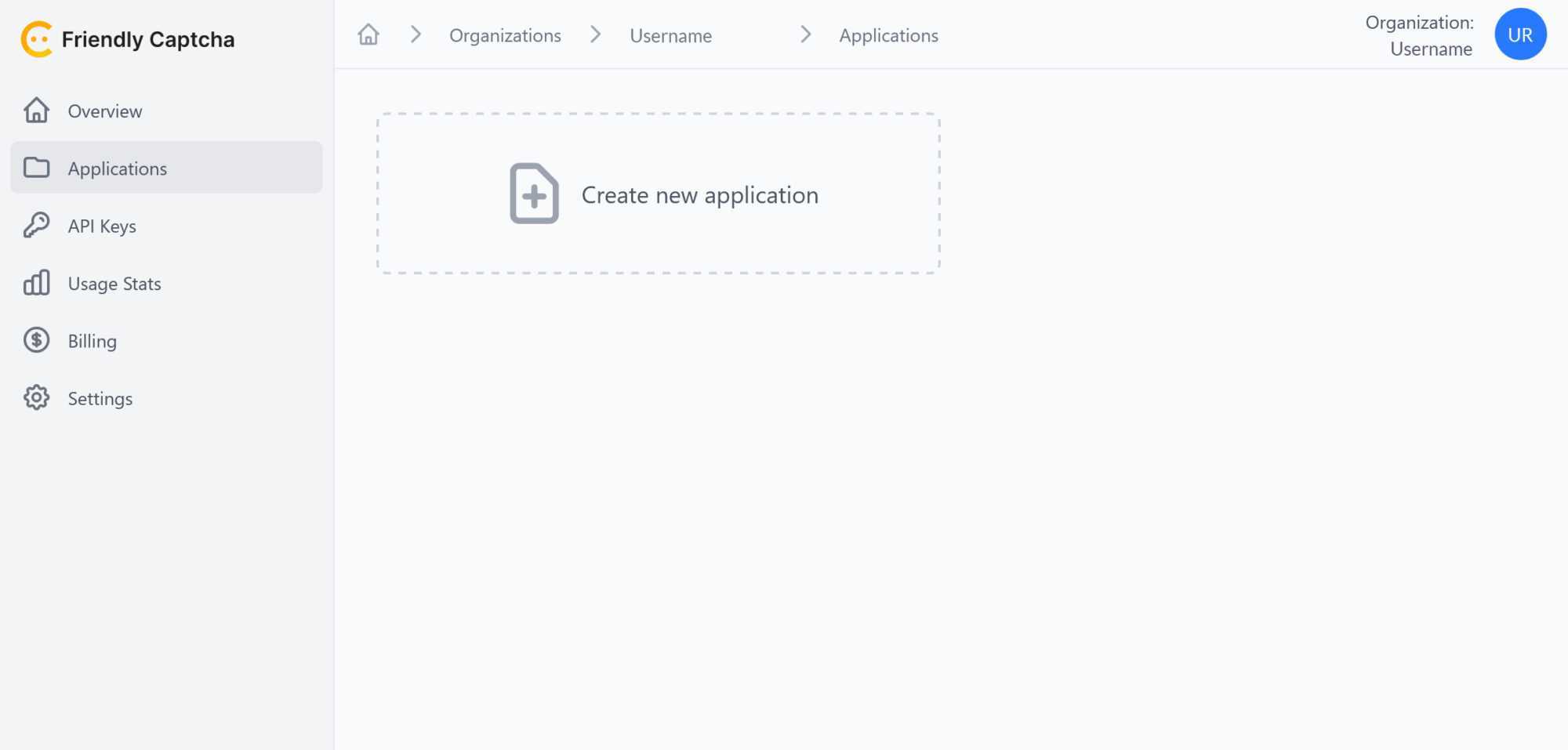
Create a Friendly Captcha account
Create your Friendly Captcha account for free to get started with Salesforce CAPTCHA integration. Pick a plan that fits your needs and enjoy a 30-day free trial.
Install the Friendly Captcha plugin in Salesforce
Connect Friendly Captcha with Salesforce
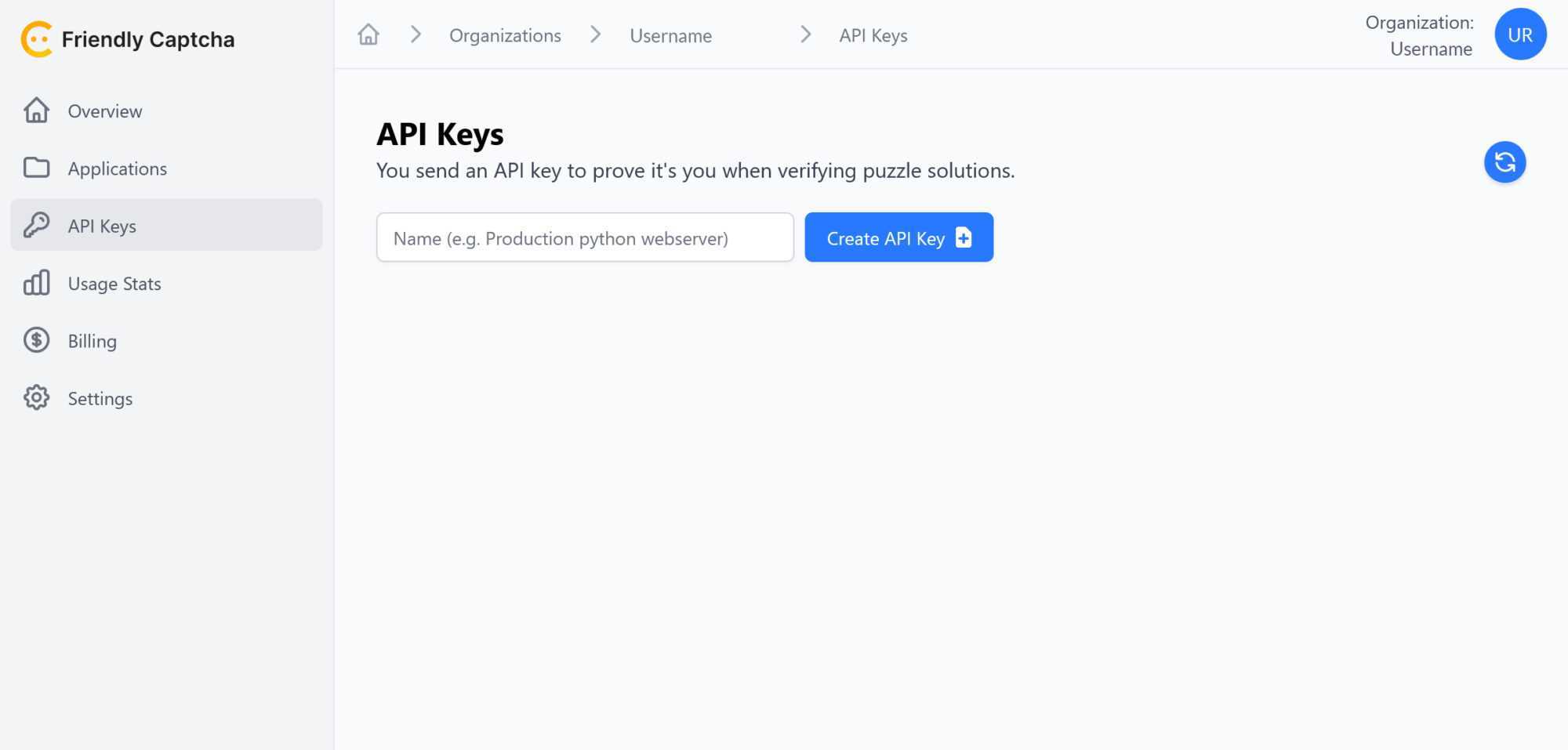
To finish the CAPTCHA integration, access the Friendly Captcha plugin settings in Salesforce and paste the sitekey generated in step 2 and the API key generated in step 3 into the respective fields.
Your Salesforce application is protected with Friendly Captcha.
FAQ
A Salesforce CAPTCHA is a security measure built into Salesforce pages and forms that helps determine whether interactions are being made by human beings or automated bots. It protects your customer data and system integrity by filtering out spam and fraudulent submissions. Find the best Salesforce CAPTCHA with the privacy-first Friendly Captcha.
Friendly Captcha embeds cryptographic challenges into your Salesforce forms that run invisibly in the background. The CAPTCHA solution performs a seamless proof-of-work on the user’s device and verifies the result on your server, ensuring robust spam and bot protection without disrupting the user experience.
Friendly Captcha is widely considered the best choice for Salesforce because of its privacy-focused design and minimal user disruption. Its background verification process provides strong security while avoiding the intrusive image- or text-based challenges common to traditional Google reCAPTCHA.
If your Salesforce site includes forms for lead generation, user registration, or other interactive elements, a CAPTCHA is a smart addition. A modern Salesforce CAPTCHA like Friendly CAPTCHA significantly reduces spam and automated abuse, protecting your valuable data and increasing overall trust.
Implementing a CAPTCHA on your Salesforce site secures your platform by ensuring that only genuine interactions are processed. This helps maintain data integrity, build user trust, and prevent fraudulent activity, ultimately supporting the quality of your marketing and customer engagement efforts.
Yes, when using a modern Salesforce CAPTCHA solution like Friendly Captcha, the verification process is designed with accessibility in mind. By handling the challenge in the background, it avoids the need for complex visual or audio tasks, ensuring an inclusive experience for all users.
Ready to get started?
Join thousands of organizations in switching to a privacy-first anti-bot solution. We protect your websites and online services with the highest German quality and data protection standards.
Privacy matters
Learn more about our commitment to protect your users' privacy.
Start your integration
Adding Friendly Captcha takes only minutes and just a few lines of code.





